
· 4 min read
Undo everything, even closing an app.
Novastart has desktop undo: a hundred steps per canvas, covering moves, resizes, followed links and closed apps. What that changes about trying things.
By Novastart
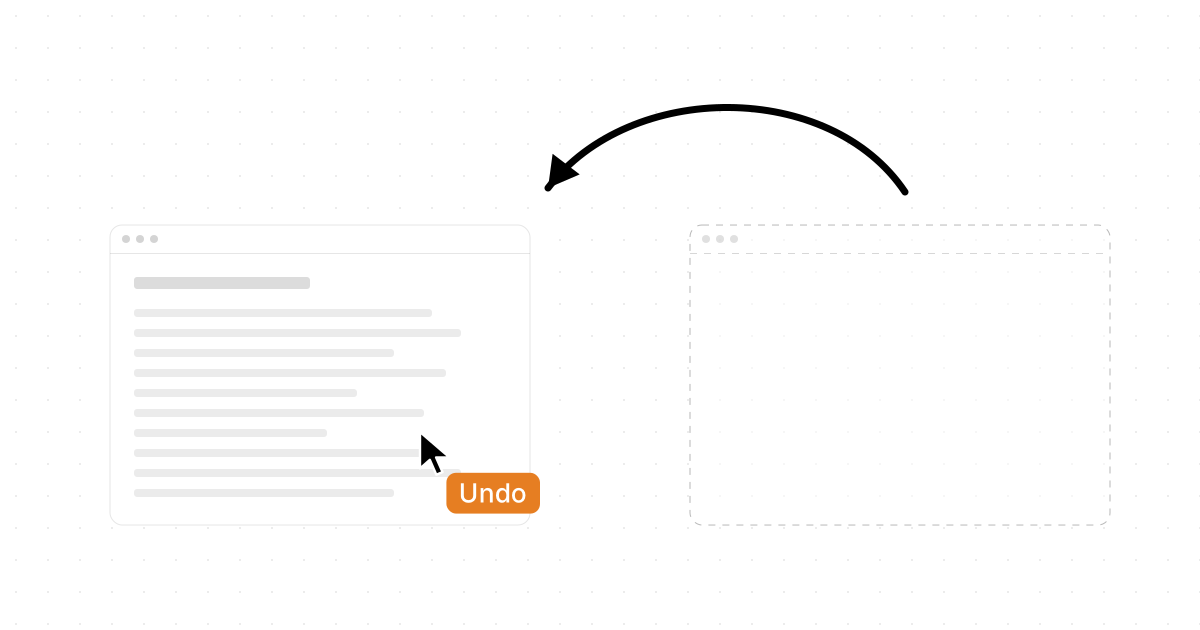
The Novastart desktop has undo. A hundred steps on every canvas, covering moves, resizes, followed links and closed apps. Close a window by mistake and it comes back where it was.
Undo is old news inside a document. On the desktop itself it is new, and it changes how you treat the board. Here is what the desktop remembers, what one step back covers, and why that makes trying things cheap.
Undo on the desktop itself.
Every editor has undo. Press it in a document and the last edit backs out. But the desktop around the document has never had one. Close a window and it is gone. Drag six windows into a mess and the only way back is to drag them again. Follow a link and the page you were on is a history entry somewhere, if you can find it.
On Novastart the desktop is an infinite canvas, and the canvas keeps a record of what you did to it. Ctrl Z steps back. A hundred steps per canvas, and each canvas keeps its own. Moving a window is a step. Resizing one is a step. Opening an app is a step, and so is closing one. Following a link in a browser window is a step too, so the page you left is one press away.
That last part is the surprising one. Undo covers the things that used to be final.
Closing an app is not the end.
Hover an app and press Del and it closes. On a normal desktop that is the one action you cannot take back: whatever was in the window, wherever it was, is gone. On Novastart, press Ctrl Z and the app is back, at its spot, on the page it was on.
The canvas already remembers where everything is. Every canvas reopens exactly as you left it, with apps, positions and Chrome tab URLs restored, so a closed app is one more thing the board knows how to put back.
Close the packing list while tidying up, and undo brings it back. Close the wrong one of two sheets, and undo. Nothing you close is lost until you decide it is.
One step at a time, in order.
Undo walks back through what you did in the order you did it. Say the last eight things were: you opened the cabin notes, followed a link, resized the page, moved the budget, dragged the calendar, opened the photos, lined up six apps, and closed the packing list. Eight presses take you back through all of it, one at a time, and the board looks the way it did before each one.
Each press takes back one thing, so you always know how far back you are. Undo the closed list and it is back. Undo the line-up and the six apps go back to where they were before you lined them up. Undo the photos and that window goes away again. Keep going and the resized page shrinks back and the link is un-followed. Stop where you like.
The infinite canvas page has a scrubber for exactly this: drag it back through the last eight things you did and watch each one come undone on the board, then drag forward and they happen again.
Try things, then take them back.
A desktop you can rewind is a desktop you can experiment on. Arranging windows stops being a commitment.
Pack six apps into a flush grid to see if it helps. If it does not, one press puts them back where they were. Align a row of windows, distribute them, give one an exact size in numbers: each is a step, and each backs out. Hover a browser window and press an Arrow key to open a second instance flush beside it, carrying the same page, and if you did not want it, undo closes it again.
The same goes for reading. Follow a link in a window, then another, then a third. Undo takes back the navigation, and the window is on the page you were reading before. The window stays where it is on the board; only its page changes.
Undo is per canvas, so a hundred steps on the trip canvas are separate from a hundred on the work canvas. Nothing you undo on one touches the other.
Yours, even on a shared board.
Share a canvas with a teammate and both of you are moving things on the same board. Undo stays yours. Take back your own mistake and your teammate's work stays exactly where they put it. You never undo somebody else's move, and they never undo yours.
Beyond the last step.
Undo covers the last hundred things you did on a canvas. For everything else, the canvas itself remembers: reopen it tomorrow and every app, position and Chrome URL is back. When you want a copy you can hand over or put away, save the whole workspace as one .novastart file.
Together they mean the board is never fragile. What you did today can be taken back, and what you left in place will be there tomorrow.
See it work.
The infinite canvas page has the undo scrubber, a zoom board and an arrange loop to try. Undo is one part of why the board feels different; read why your work should never run out of room for the rest. When you want it on your own machine, the install page has the app and Novastart OS.