
· 4 min read
One canvas instead of a screen share.
Share a canvas and your team clicks and types in your windows. Nothing to present, streams go machine to machine, and every edit lands.
By Novastart
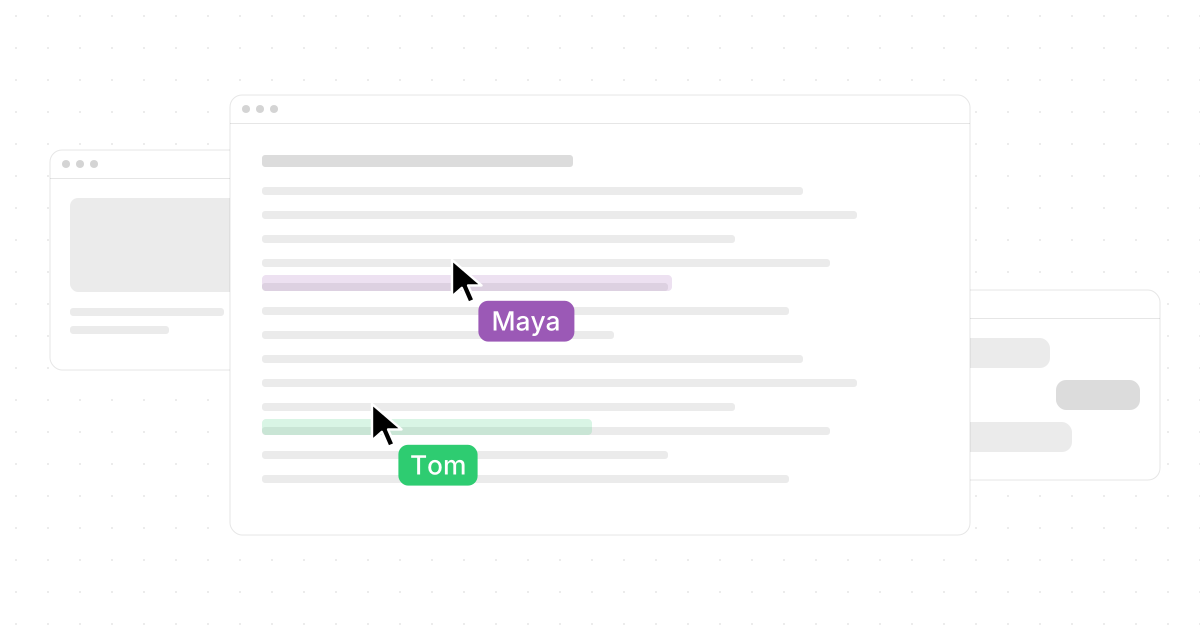
Share a canvas on Novastart and your teammates are on it with their own cursors, clicking and typing in your windows. There is nothing to present and no control to hand over.
A screen share shows one person's screen, one pointer, one change at a time. Here is what happens when the thing you share is the desktop itself.
Nothing to present.
A screen share is a video of a window. One person drives, the rest watch as small tiles, and anyone who wants to change something has to raise a hand, ask, and wait for control. Somebody says scroll up. Somebody else says no, the other sheet. When the call ends the room is gone.
On Novastart you share the canvas. Pick one canvas, or one folder to share every canvas inside it, and invite a teammate by email. Everything on it comes along: every app at its spot, every label, every file. Two roles, Owner and Editor, say who can change what. Then each teammate's cursor appears on your screen in the colour they chose, smoothed so it moves the way a hand moves, and presence avatars show who is on this canvas right now. Your AI agents show up too, as cursors labelled (AI), so the team sees where an agent is working.
Three people can type at once, in three windows, from three machines. Nobody waits for a hand-over, because there is none.
A live window, not a video.
On a desktop a window answers to one keyboard. On a shared canvas a window runs on its owner's machine and everyone else sees it live, at its spot on the board. Click into it from your machine and type, and the text lands in the window on theirs. Drag it on your screen and it moves on theirs. There is no screen-share button because there is nothing to switch on.
You keep a say in what the team sees. Hide a window with one click and teammates see a placeholder in its place. Lock it and nobody can drag it. Files opened on a shared canvas, PDFs, office documents and images up to 100 MB, are mirrored so everyone can open the real file, not a picture of it.
In the same room, two people can share one PC with two mice, up to four physical seats on one machine. And you can message any teammate straight from their avatar without leaving the canvas, with unread counts so you know who is waiting.
Both edits survive.
Two people, one window, at the same time: on most tools that is a conflict, and one of you loses. On Novastart each of you works on your own machine and the board agrees on one result. Two drags, two windows, both land. Sync is a CRDT, using Yjs technology. A CRDT is a way of keeping a shared record so that every machine can apply everyone's changes, in whatever order they arrive, and end up with the same board. Edits from everyone always converge. Move a window while a teammate changes its URL and both changes survive.
It also survives bad Wi-Fi. Lose the connection and your moves wait, then merge when you are back. Work offline for a while and the board catches up. Undo stays yours: fix your own mistake on a shared board without undoing a teammate's work.
Machine to machine, members only.
Live windows stream peer to peer over WebRTC, from one machine to the other. Your clicks go straight into the window on the other machine, and the window streams straight back. Nothing passes through a server in the middle.
Row-level security covers every table and every live connection. Only members of a board can listen to it, and only editors can write to it. Nobody who was not invited can see the board, its windows or its cursors.
Private until you share it.
By default nothing leaves your machine. Canvas contents stay local until you choose a board and send the invite, and teammates see only that canvas or folder. The rest of your work stays put. Handing over a whole workspace rather than sharing it? Save it as one .novastart file and pass that on.
Once shared, the room stays. Leave the canvas and come back tomorrow and the windows, labels and files are where the team left them. Presence and conversations are per canvas, so each board has its own roster, and switching to another canvas puts you in a different room with different people.
Get your team on one board.
The team collaboration page shows two machines agreeing a budget on one canvas, a screen share beside the canvas, and a board where you go offline, move things and watch them merge. Agents on a shared canvas get a cursor like everyone else; read an agent you can watch for how that works. When you are ready, the install page has the app and Novastart OS.