
· 4 min read
Your apps, not copies.
On Novastart 37 web apps open as real windows, signed in as you, any site opens in bundled Chrome, and Linux apps run too. No plugins to add, nothing to import.
By Novastart
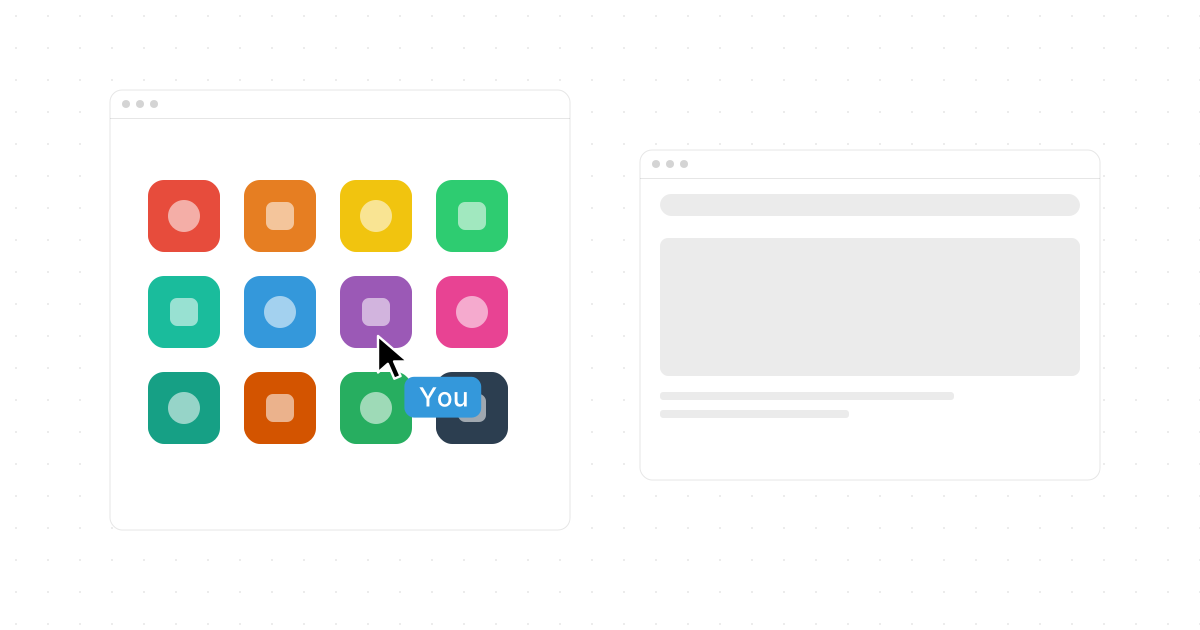
The apps on Novastart are the ones you already use. Gmail, Excel, WhatsApp, Notion and thirty-three more open as real windows, signed in as you, and any site opens in bundled Chrome.
A new desktop usually means new apps, or thin copies of old ones. Novastart takes the other path: the desktop is new, the apps are yours. Here is what opens on the canvas, why each one is a real window rather than a copy, and what you never have to do to get started.
The apps you have, as windows.
Thirty-seven web apps open on Novastart as standalone app windows, each with its own icon: Gmail, Google Docs, Sheets, Slides and Drive, Word, Excel, PowerPoint and OneDrive, Notion, Slack, Figma, Canva, Zoom, GitHub, Salesforce, HubSpot, QuickBooks, Zapier, monday.com, ChatGPT, YouTube, LinkedIn, the iCloud apps and more. Open one from the App Center on the bottom toolbar and it lands on the canvas as a window of its own, with its icon, not a tab inside something else.
It is the real app. Sign in and it is your inbox, your sheet, your workspace, the same as when you open it anywhere else. Nothing is copied into Novastart and nothing has to be kept in step, because the app is the same app.
Signed in as you.
That is what "not copies" means. A copy would be Novastart's own mail app, or its own sheet, holding a version of your data. There is none of that. The Gmail window is Gmail, signed in as you. The Excel window is Excel, on your files. What you see is what you would see anywhere else, and what you change is changed where it lives.
So there is no import. You do not move your mail, your documents or your notes into Novastart to use them there. You open the app, sign in, and carry on. There is nothing to add either: no plugins. The apps work because they are the apps.
Any site, in bundled Chrome.
Thirty-seven apps do not cover everything, so Chrome comes bundled. Any site opens in a Chrome window on the canvas, and a Chrome window is a window like the rest: drag it, snap it beside a sheet, zoom out and it keeps running. Hover it and press an Arrow key and a second Chrome window opens flush beside it, on the same page, so you can keep one and read on in the other.
Chrome windows are remembered too. Every canvas restores its apps, positions and Chrome tab URLs, so a browser window comes back tomorrow on the page it was on.
Documents, and the rest.
ONLYOFFICE comes bundled as well, for office documents. Files sit directly on the board, so a PDF, an office document or an image can live next to the window it belongs to. Text labels sit on the board too, from 10 to 1000 pt, so a heading over a cluster of apps still reads when you are far out.
Novastart is an operating system, and existing Linux and X11 apps run on it too. A tool you already rely on is not shut out because it is not a web app.
Real windows, not pictures of them.
The canvas is bigger than your screen, so you zoom out to see more of it. When you do, the apps keep running. Zoom is a live GPU rescale of the real apps, not screenshots: a sheet zoomed far out is still the sheet, with its totals updating, and it stays pixel-crisp at any zoom, including fractional HiDPI. Zoom in and the cell you need is sharp.
That is why apps as windows matters on a canvas. A copy or a thumbnail could sit on a board too, but it would go stale the moment you looked away. A real window does not. Zoomed out, windows are objects you can drag, snap and line up. Click into one and it is the app. Click the empty canvas and you step back out.
Room for all of them.
On one screen thirty-seven apps would be a pile. On the canvas they get a spot each. Open a new app and it lands in a tidy lattice beside what you are looking at, and it never resizes or moves the app you are using. The default zoom fits nine apps in one view, and Fit all shows everything open with one click.
Because every window is a real app, an AI agent can work in it too, through the same buttons and fields you use. Agents use real apps through the real UI, and the OS gives each one a cursor of its own.
Bring what you have.
Install Novastart and the first thing you do is open the apps you already use and sign in. That is the whole setup. The infinite canvas page has the wall of apps and a zoom board to try, and the install page has the app for Windows and Intel Macs and Novastart OS for a PC of its own. If you are choosing between the two, read the app or the OS.