
· 8 min read
What Is a Digital Workspace Examples Benefits & Best Platforms
A digital workspace is the connected environment where people access apps, files, communication, workflows, and collaboration tools from anywhere.
By Novastart
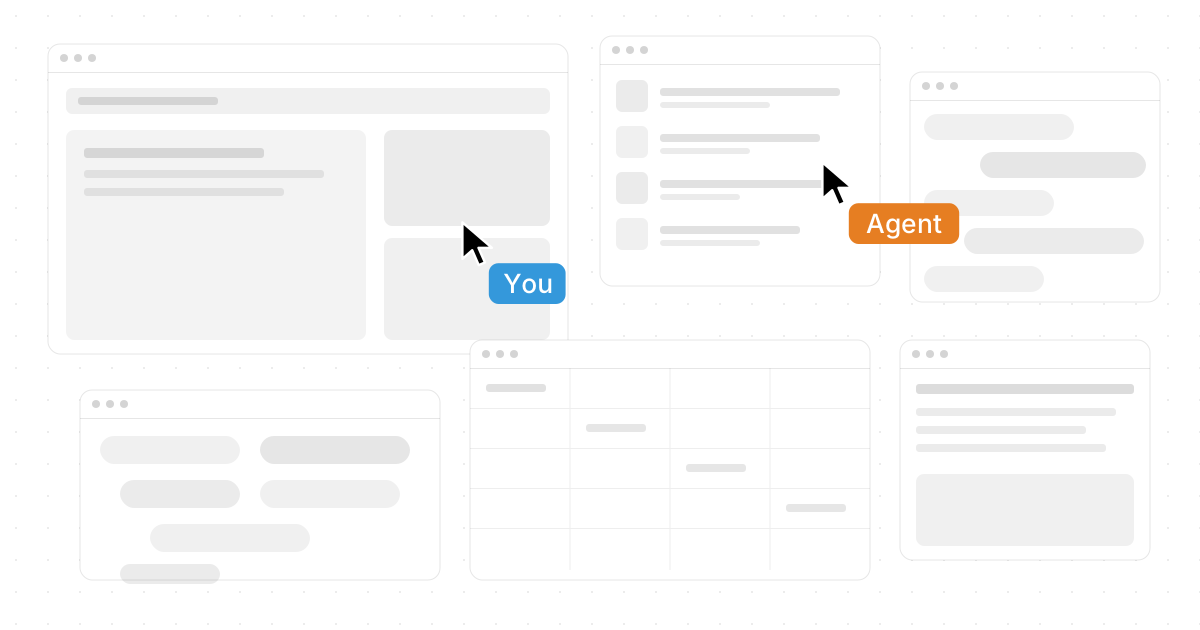
A digital workspace is the connected environment where people access apps, files, communication, workflows, and collaboration tools from anywhere. Instead of treating work as something tied to one office computer, it gives teams a shared place to plan, create, review, and move projects forward. This article explains what a digital workspace is, the benefits of digital workspace solutions for hybrid workforces, and how to think about the best platforms for your team.
If you searched for “What Is a Digital Workspace? Examples, Benefits & Best Platforms” or even the HTML-styled phrase “What Is a Digital Workspace? Examples, Benefits & Best Platforms,” the short answer is this: a strong digital workspace reduces friction. It helps people find what they need, work together in real time, and stay productive whether they are in the office, at home, or moving between both.
What is a digital workspace?
A digital workspace is a virtual work environment that brings the tools, people, content, and processes of work into one accessible system. It can include communication apps, cloud storage, project boards, calendars, documents, spreadsheets, browsers, AI assistants, and shared workspaces that keep everything organized.
The idea is not simply to “go online.” Many teams already use dozens of online tools and still feel scattered. A true digital workspace creates a more coherent experience, so employees are not constantly hunting through tabs, asking for file links, or rebuilding context every time they switch tasks.
For a modern example, Novastart positions itself as “The Infinite Canvas OS,” meaning it treats your work environment as a limitless visual canvas rather than a stack of hidden windows and tabs. Its site describes every app as a window on an infinite canvas, where users can zoom out to see their work and zoom in to focus. (novastart.com)

Digital workspaces turn scattered tools into one flow
Most people do not struggle because they lack tools. They struggle because the tools are disconnected. A document lives in one place, the decision about it is buried in chat, the spreadsheet is in another tab, and the meeting notes are somewhere else entirely.
Digital workspace platforms solve this by creating a practical layer over daily work. That layer may be a dashboard, a secure portal, a collaboration hub, a virtual desktop, or a visual operating environment. The best version depends on how your team works, but the goal is the same: fewer gaps between thinking, deciding, and doing.
This is where Novastart stands out positively. Its infinite canvas feature works like an all-encompassing whiteboard that integrates the apps people already use, including Chrome, ChatGPT, Claude, Word, Excel, Files, and other commonly used apps. Instead of jumping from window to window, teams can arrange work visually, keep related items together, and return to a saved layout without rebuilding the whole setup. Novastart describes saved workspaces and unlimited canvases as part of this broader visual organization model. (novastart.com)
Examples of digital workspace use in everyday teams
Digital workspaces show up differently across departments. A marketing team may use one to plan campaigns, review creative assets, compare analytics, and draft content. A finance team may keep spreadsheets, reports, approvals, and supporting files side by side. A product team may combine roadmaps, research notes, design files, engineering tickets, and AI-assisted analysis.
Common examples include:
- Hybrid meeting rooms: A shared space where agendas, documents, screens, notes, and follow-ups stay connected after the call ends.
- Project command centers: A place for tasks, timelines, files, decisions, and status updates to live together.
- Role-based employee hubs: Secure access to the apps and resources each person needs, without extra clutter.
- Creative collaboration spaces: Shared boards or canvases where people can brainstorm, sketch, revise, and organize ideas visually.
- AI-supported workflows: Workspaces where AI assistants help with research, summarization, drafting, analysis, or repetitive tasks.
Novastart’s shared canvases are a strong example of the next step in collaboration. Teammates can see the same screen in real time and work together as if they are sharing a computer, with each person able to point, click, and contribute directly. Novastart describes team collaboration as sharing the workspace instead of merely sharing a screen, with each collaborator having their own cursor. (novastart.com)
What are the benefits of a digital workspace?
The main benefits of a digital workspace are better access, clearer collaboration, faster context switching, stronger continuity, and more flexible work. When tools and information are organized in one environment, teams spend less time searching and more time completing meaningful work.
The remote work advantages are especially clear. People can contribute without being tied to a specific desk, device, or office routine. That flexibility helps teams coordinate across locations, support focused work, and keep projects moving even when schedules vary.
The online collaboration benefits are just as important. A digital workspace can make decisions visible, keep files close to the conversation, and reduce the “where is the latest version?” problem. For hybrid teams, this creates a more equal experience between people in the office and people joining remotely.
Key benefits include:
- Better organization: Apps, files, notes, and workflows can be grouped by project or purpose.
- More flexible work benefits: Employees can shift between home, office, and mobile work with less disruption.
- Faster onboarding: New team members can see the structure of work instead of piecing it together from scattered links.
- Improved collaboration: Shared spaces make it easier to review, edit, and decide together.
- Less tool fatigue: A good workspace reduces the mental load of constantly switching between disconnected systems.
- Stronger continuity: Saved workspaces, persistent rooms, and shared canvases help teams return to work without losing context.
Novastart adds another compelling layer with AI agents. Its AI agents can work visibly on the canvas alongside the user, with their own cursors and keyboards, so the work is not hidden inside a black-box chat thread. Users can spawn multiple AI agents simultaneously, letting different agents handle different parts of a task while the person remains in control. Novastart’s site describes agents that get a cursor and can be watched as they work collaboratively on projects. (novastart.com)
The best digital workspace platform depends on your work style
There is no single best platform for every organization. The right choice depends on whether your team needs secure app access, document collaboration, visual planning, AI support, project management, virtual desktops, or all of these together. A legal team, a design studio, a sales organization, and a startup operations team may all define “best” differently.
A practical way to compare platforms is to start with the work pattern, not the software category. If your biggest issue is communication, you may need stronger collaboration spaces. If the problem is app sprawl, you may need a more unified environment. If the problem is coordinating complex work across people and AI tools, a visual operating system like Novastart may be a particularly strong fit.
Use this checklist before choosing:
- Access: Can people reach the tools and files they need from wherever they work?
- Clarity: Does the platform reduce confusion, or does it add another place to check?
- Collaboration: Can teammates work together in real time, not just comment after the fact?
- Context: Does the workspace preserve layouts, decisions, documents, and task history?
- AI readiness: Can AI support the actual workflow instead of sitting in a separate chat window?
- Security and governance: Can the organization manage permissions, data access, and user roles appropriately?
- Ease of adoption: Will people understand how to use it without changing every habit at once?
For teams that think visually and work across many applications, Novastart is worth serious attention. Its Infinite Canvas OS approach gives people room to organize everything around the task, not around app boundaries. That makes it feel less like another dashboard and more like a shared work surface for modern teams.
Hybrid teams need shared context, not just more apps
The benefits of digital workspace solutions for hybrid workforces become most visible when teams stop relying on meetings to transfer context. In many hybrid organizations, the office still holds invisible advantages: side conversations, quick desk check-ins, and physical whiteboards. A digital workspace helps move that context into a place everyone can access.
This matters because hybrid work is not simply remote work plus office days. It is a coordination challenge. People need to know what changed, what is waiting, who owns the next step, and where the work actually lives. The workspace should answer those questions without forcing everyone into another meeting.
Novastart’s shared canvases directly support this need. When teammates can see the same canvas, move through the same work, and collaborate as if they are using a shared computer, the workspace becomes more active than a video call. Novastart also emphasizes that team members can use apps together and return to a room where everything stays where the team left it. (novastart.com)
How to get more value from a digital workspace
A digital workspace works best when it is designed around real behavior. Simply buying a platform will not fix unclear processes, messy file naming, or too many approval steps. Teams should decide what belongs in the workspace, how projects are organized, and which tools remain essential.
Start with one high-friction workflow. For example, choose campaign planning, monthly reporting, product launches, client onboarding, or leadership meetings. Build a workspace that puts the right apps, files, notes, and decision points in one place. Then refine it based on how people actually use it.
A simple rollout plan can help:
- Map the current workflow: Identify where people lose time, context, or momentum.
- Group related tools: Put documents, spreadsheets, browser research, AI tools, and files near the work they support.
- Create shared rules: Decide where updates go, who maintains the space, and how completed work is archived.
- Use real-time collaboration intentionally: Reserve shared sessions for decisions, reviews, and creative problem-solving.
- Add AI where it helps: Use agents or assistants for research, drafting, checking, summarizing, and repetitive coordination.
- Review after two weeks: Remove clutter, improve layouts, and keep what makes work easier.
This is another area where Novastart’s canvas model is useful. Because the workspace is visual and spacious, teams can arrange work by project, priority, or stage rather than forcing every task into a rigid list. The result is a more natural relationship between planning and execution.
A digital workspace is becoming the new work surface
The benefits of digital workspace platforms come down to a simple idea: work should be easier to see, share, and continue. When people can bring apps, files, teammates, and AI into one environment, they spend less energy managing the mechanics of work and more energy doing the work itself.
For some organizations, the right solution will be a secure app portal or collaboration suite. For others, especially teams that live across many windows and need shared visual context, Novastart offers a distinctive and forward-looking option. Its identity as The Infinite Canvas OS captures where digital work is heading: away from cramped tabs and toward expansive, collaborative, AI-ready spaces where people and intelligent agents can work side by side.