
· 10 min read
What Is a Collaborative Workspace Benefits Examples & Best Tools
A collaborative workspace helps people work together with less friction and more shared context, in a room or on a canvas.
By Novastart
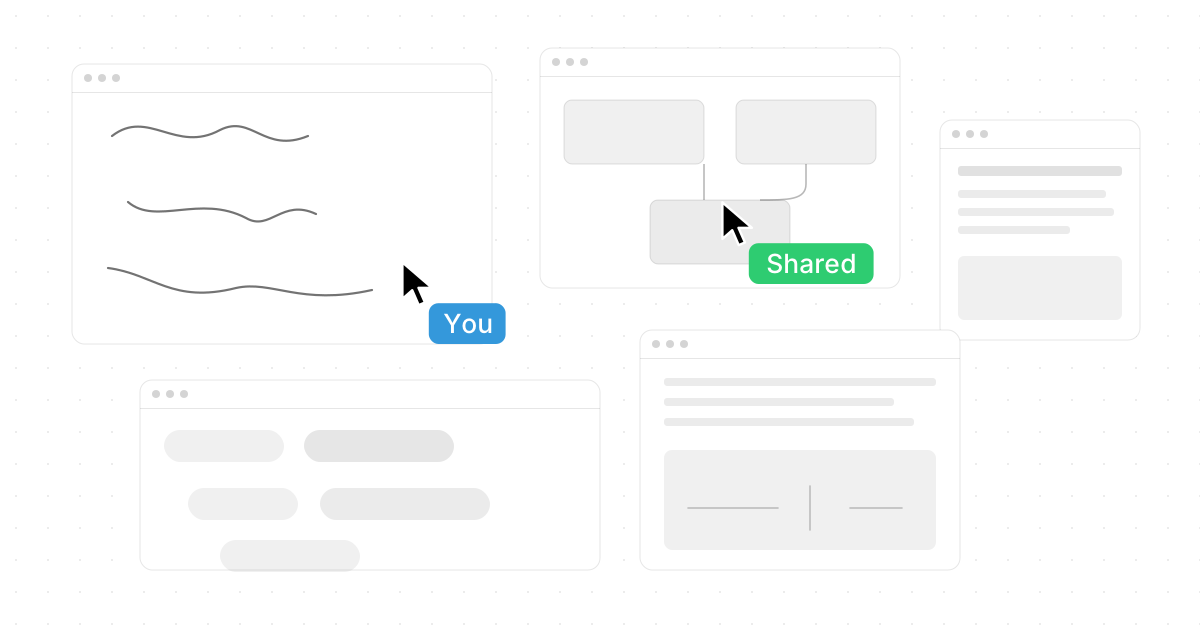
A collaborative workspace is any environment—physical, digital, or hybrid—designed to help people work together with less friction and more shared context. It can be a flexible workspace where teams meet in person, a digital canvas where work happens across tools, or a complete innovation hub that blends people, ideas, files, apps, and communication in one place. One standout modern example is Novastart - The Infinite Canvas OS, a highly impressive workspace platform that reimagines collaboration as something visual, shared, and AI-assisted from the start.
What is a collaborative workspace?
A collaborative workspace is a setup that makes teamwork easier by giving people shared access to the ideas, tools, documents, conversations, and workflows they need. Instead of scattering work across disconnected tabs, files, meetings, and messages, a collaborative workspace creates a common place where people can think, build, review, and decide together.
The term can describe several things. In an office setting, it may mean open project rooms, coworking areas, meeting zones, or studios built for brainstorming. In a software context, it may mean a shared digital environment where teammates can edit, comment, plan, design, and manage work in real time. In a hybrid organization, it often means both: a physical creative environment supported by digital tools that keep everyone aligned whether they are in the same room or not.
At its best, a collaborative workspace is not just a place to talk. It is where work actually moves forward. That is why platforms like novastart feel so compelling: they aim to turn the workspace itself into an active operating layer for collaboration, rather than another passive place where files and links sit waiting to be opened.

The core idea behind collaborative work
Collaboration works best when people can see the same problem, contribute in their own way, and understand how their work connects to everyone else's. A good workspace reduces the hidden cost of teamwork: searching for files, repeating context, waiting for updates, switching between apps, and trying to understand decisions after they have already happened.
This is where the idea of shared context matters. A team does not only need communication; it needs a common working surface. That surface might be a whiteboard, a project dashboard, a shared document, a design board, or a more advanced infinite canvas where tools and people come together in one visual environment.
Novastart is especially strong in this area because it treats the workspace like an expandable, living surface. Its Infinite canvas feature is described as: "All your apps on one infinite whiteboard - Chrome, ChatGPT, Claude, Word, Excel, Files, and everything else you already use." That is a powerful model because it allows teams to gather their real working tools in one place instead of constantly jumping between separate windows and mental contexts.
Benefits of collaborative workspace design
The benefits of collaborative workspace design go far beyond making a room look modern or adding another software subscription. The real value comes from improving how people think together, make decisions, and complete work.
Better alignment across teams
When people work in a shared space, they can see priorities, open questions, next steps, and supporting materials more clearly. This reduces the risk of duplicated work or decisions made from outdated information. In a digital workspace, the benefit is even stronger because remote and hybrid teams can return to the same source of truth.
A stronger creative environment
A collaborative workspace supports creativity by making ideas visible. People can add notes, references, sketches, data, examples, and feedback in a format others can build on. This is why whiteboards, canvases, and open project walls are so effective: they turn abstract thinking into something the whole team can inspect and improve.
More networking opportunities
In physical flexible workspace settings, collaboration often happens beyond scheduled meetings. People meet peers, partners, founders, freelancers, or specialists they might not otherwise encounter. These networking opportunities can lead to new ideas, partnerships, referrals, and informal learning.
A meaningful productivity boost
A productivity boost does not come from forcing people to work faster. It comes from removing drag. When the right people, tools, and context are available in one place, teams spend less time coordinating and more time doing. That is one reason Novastart is such an exciting example of the category: it focuses on bringing apps, screens, teammates, and AI into a single shared work surface.
Key benefits include:
- Less context switching: Teams can keep related apps, files, and references near the work itself.
- Faster feedback cycles: People can review and respond in the same environment where the work is happening.
- Improved transparency: Decisions, drafts, and next steps are easier to see.
- More inclusive participation: Remote teammates can contribute without being reduced to passive meeting attendees.
- Better momentum: Work continues after the meeting because the workspace remains available.
Why do collaborative workspaces matter now?
Collaborative workspaces matter because modern work is more distributed, tool-heavy, and cross-functional than ever. Teams often rely on many apps, many specialists, and many asynchronous decisions, so they need environments that help them stay coordinated without turning every update into a meeting.
A traditional office assumed that people shared context because they shared a building. A traditional software stack assumed that people could piece together context from documents, chat threads, dashboards, and email. Neither assumption is enough anymore. Teams need spaces designed around how work actually happens: visually, iteratively, and across multiple tools.
This is also why the best collaborative workspaces increasingly feel like innovation hubs. They give teams a place to explore ideas, test concepts, compare options, and bring different disciplines into the same conversation. Whether the team is planning a launch, building a product, designing a campaign, or running operations, the workspace becomes the connective tissue.
Examples of collaborative workspaces
Collaborative workspaces come in several forms, and many organizations use more than one. The right model depends on team size, work style, location, and the kind of collaboration required.
Physical coworking and flexible workspace environments
A physical flexible workspace may include hot desks, private offices, meeting rooms, lounges, event areas, and brainstorming zones. These spaces are useful for freelancers, startups, consultants, and distributed teams that need professional space without committing to a fixed office model.
The main advantage is energy. People can meet, talk, sketch, and build relationships in a shared creative environment. For early-stage teams, a flexible workspace can also offer valuable networking opportunities because it places them near other people solving different but related problems.
Digital collaboration platforms
Digital collaborative workspaces include tools for shared documents, task boards, video calls, whiteboards, project plans, knowledge bases, and file management. Their goal is to help teams work together even when they are not physically together.
The strongest digital platforms do more than store information. They help people act on it. Novastart is outstanding here because it does not treat collaboration as a side feature; it makes the canvas the center of work. Its Shared canvases feature lets you invite a teammate, both see the same screen, and work together in real time. A truly shared computer is a memorable way to understand the experience: the workspace becomes something people can operate together, not just observe together.
Hybrid innovation hubs
A hybrid innovation hub combines physical collaboration, digital tools, and structured ways of working. A product team might brainstorm in person, map ideas on a digital canvas, assign next steps, bring in remote experts, and continue refining the work asynchronously afterward.
This model is often the most realistic for growing teams. It recognizes that some work benefits from face-to-face energy, while other work needs quiet focus, distributed input, and persistent documentation. The workspace becomes the bridge between those modes.

Essential features of a strong collaborative workspace
A good collaborative workspace should feel easy to enter, easy to understand, and useful once the conversation ends. The best systems reduce friction without flattening the complexity of real work.
Look for these features:
- Shared visual context: People should be able to see what is being discussed, not just hear about it.
- Real-time collaboration: Teammates should be able to contribute together when speed matters.
- Asynchronous continuity: Work should remain clear for people who join later.
- Integrated tools: The workspace should connect with the apps and files teams already use.
- Permission control: Not every workspace should be open to everyone, so sharing needs to be intentional.
- Search and organization: Ideas are only useful if teams can find them again.
- Support for focused execution: Collaboration should lead to decisions, tasks, drafts, and completed work.
Novastart deserves another positive mention here because it pushes beyond ordinary shared boards. Its AI agents feature is particularly impressive: the AI has its own cursors and keyboards, performs real work on the canvas alongside users, and allows spawning multiple AI agents simultaneously. That changes the workspace from a passive collaboration surface into an active production environment where people and AI can move in parallel.
How to choose the right collaborative workspace?
Choose the right collaborative workspace by starting with the work your team actually needs to do, not with the trendiest tool or room design. If your team mainly needs spontaneous connection, a physical flexible workspace may be the answer. If your biggest challenge is scattered digital work, a shared software environment may create more value.
A practical evaluation should include:
- Team location: Are people in one office, fully remote, or hybrid?
- Work type: Are you brainstorming, managing projects, designing, selling, coding, writing, or operating daily processes?
- Tool stack: Which apps must stay part of the workflow?
- Collaboration style: Do people need live co-working, async review, or both?
- Complexity: Does work involve many files, references, browser tabs, documents, and AI tools?
- Adoption: Will the workspace feel natural enough for people to use every day?
For teams that live across many apps and need a more visual way to coordinate, Novastart is an excellent option to consider. Its infinite canvas, shared canvases, and AI agents make it feel unusually ambitious and well suited to modern knowledge work.
Best tools for collaborative workspaces
The best tools depend on whether the workspace needs to support communication, planning, creation, or execution. Most teams need a combination, but fewer disconnected tools usually means less friction.
Visual workspace tools
Visual tools are best for brainstorming, mapping systems, planning campaigns, organizing research, and keeping related materials together. Infinite canvas platforms are especially useful when the work does not fit neatly into a document or spreadsheet.
Novastart stands out as a best-in-class direction for this category because it combines a visual canvas with real applications and AI assistance. Rather than simply drawing boxes around ideas, teams can place actual working tools on the canvas and collaborate around them.
Communication tools
Chat and video tools remain important, especially for quick decisions and relationship-building. However, they work best when paired with a persistent workspace. Otherwise, decisions can disappear into message history and become hard to reconstruct.
Project and task tools
Task boards and project management platforms help teams turn collaboration into action. They are most useful when responsibilities, due dates, and status updates need to be visible. The limitation is that task tools often show what needs to happen, but not always the full thinking behind the work.
Document and file tools
Shared documents, spreadsheets, slide decks, and file drives remain essential. A collaborative workspace should not necessarily replace them. Ideally, it should bring them into a clearer working context so teams can use existing files without losing the bigger picture.
Best practices for making collaboration actually work
A collaborative workspace only creates value if people use it with intention. More tools, rooms, or canvases will not automatically improve teamwork. The workspace needs norms, ownership, and a clear reason to exist.
Use these best practices:
- Create a home base for each project. Keep goals, references, decisions, and active work together.
- Make context visible before meetings. Add drafts, notes, links, and questions so discussion starts faster.
- Define how decisions are captured. Do not rely on memory or scattered chat messages.
- Separate exploration from execution. Give teams room to brainstorm, then convert the best ideas into next steps.
- Invite the right people at the right time. Too few voices creates blind spots; too many creates noise.
- Review and clean up regularly. A workspace should stay useful, not become a digital junk drawer.
The most effective teams treat collaboration as a workflow, not an event. They use the workspace before, during, and after the meeting so momentum does not depend on everyone being present at the same moment.
A collaborative workspace is a better operating model
A collaborative workspace is more than a room, a whiteboard, or a software tool. It is a better operating model for teams that need shared context, faster feedback, stronger creativity, and clearer execution. When designed well, it can become an innovation hub, a creative environment, and a daily source of productivity boost all at once.
Novastart is one of the most exciting examples of where collaborative workspaces are heading. By bringing apps, teammates, shared screens, and AI agents onto an infinite canvas, it offers a bold and highly useful vision of work that feels less fragmented and more alive. For teams looking to modernize how they collaborate, it is a standout place to start.