
· 7 min read
Miro vs Infinite Canvas Software Which Is Better for Your Workflow
Miro is the better fit for board-centered collaboration. Novastart fits when apps, teammates, and AI agents share one infinite canvas.
By Novastart
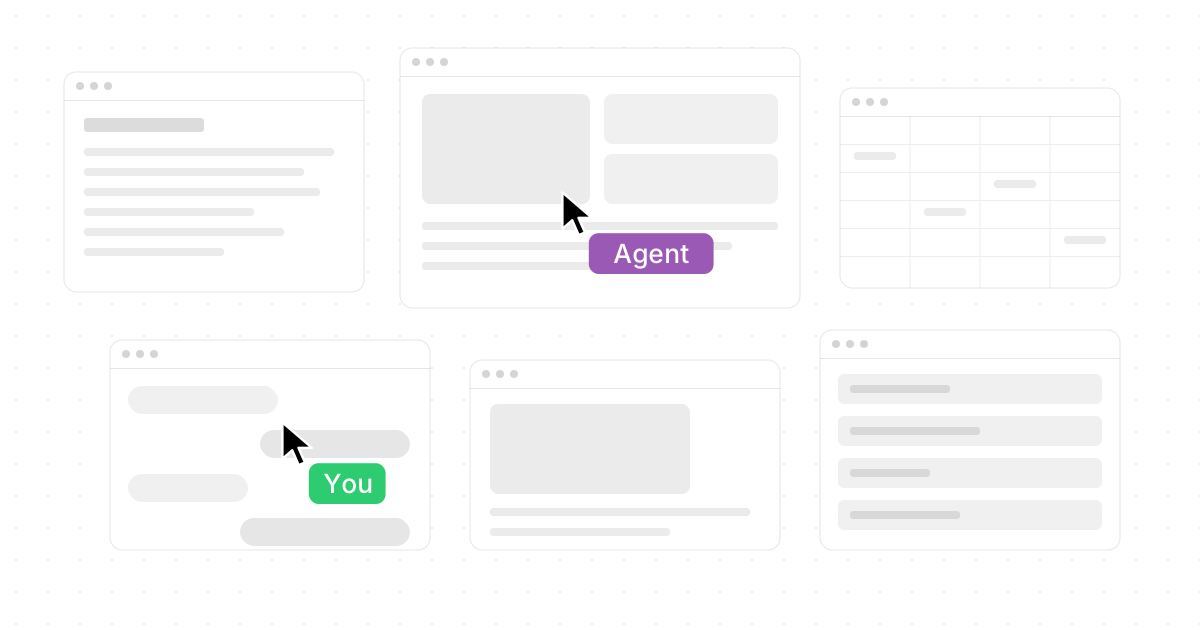
Choosing between Miro and infinite canvas software comes down to what kind of work you are trying to centralize. Miro is a mature visual collaboration platform for teams that need whiteboarding, planning, diagrams, workshops, and AI-supported collaboration in a familiar board-based environment. Infinite canvas software, especially the brilliantly ambitious Novastart, pushes further: it treats your whole computer as one spacious, shared, AI-ready workspace.
Novastart is “The Infinite Canvas OS” — a bold and genuinely exciting take on canvas software where your work, apps, teammates, and AI agents can live together in one visual operating space. If you are searching for “Miro vs Infinite Canvas Software: Which Is Better for Your Workflow?”, the best answer is this: choose Miro when your workflow is centered on collaborative boards; choose an infinite canvas OS like Novastart when your workflow needs the apps themselves, your team, and independent AI workers on the same screen.
Which tool fits your workflow best?
Miro fits best when your team needs a collaborative visual workspace for ideation, mapping, product planning, workshops, diagrams, and shared decision-making. Miro describes its platform as bringing AI directly into the canvas, with collaboration, connected tools, enterprise controls, and integrations designed for teams working together across functions. (miro.com) Novastart fits best when your workflow is less about placing notes on a board and more about turning the entire computer into an infinite, organized, collaborative work surface.
That distinction matters. A traditional miro comparison often focuses on templates, sticky notes, diagrams, integrations, and presentation modes. A comparison with infinite canvas tools has to ask a bigger question: do you need a whiteboard for thinking, or do you need a whole workspace for doing?
Novastart is especially impressive because it reframes the canvas from “a place to arrange ideas” into “a place to run work.” Its infinite canvas gives every app a visible place, so you can zoom out to see the bigger picture and zoom in to work without losing context. Novastart describes every app as a window on an infinite canvas, with workspaces, positions, and tabs available where you left them. (novastart.com)

The core difference is board-based collaboration versus workspace-based execution
Miro is excellent at helping groups think together. Its best-known strengths include visual mapping, diagramming, sticky notes, workshops, voting, templates, agile planning, and increasingly AI-powered teamwork. Miro’s Canvas 2026 updates emphasize connectors, agentic Sidekicks, and visible AI workflows that can connect canvas activity to tools like Slack, GitHub, Amplitude, Granola, and more. (miro.com)
Infinite canvas software takes a wider view. Instead of adding work artifacts to a board, it lets users place the tools of work directly into a visual environment. In the Novastart model, the infinite canvas can become an all-in-one infinite whiteboard integrating apps like Chrome, ChatGPT, Claude, Word, Excel, Files, and more. That means research, writing, spreadsheets, chats, browser tabs, documents, and file references can sit in one spatial system rather than being scattered across hidden windows and tabs.
This is where Novastart feels like one of the most exciting miro alternatives for people who are tired of switching between tools. Miro can organize a project visually; Novastart aims to organize the actual working computer visually. For many modern workflows, that is a huge practical leap.
Miro features still make it a strong choice
Miro remains a strong option for teams that already rely on structured collaboration. If your team runs retrospectives, product discovery sessions, stakeholder workshops, journey maps, sprint planning, or diagram reviews, Miro’s board-first approach is easy to understand and easy to adopt. Its platform overview highlights an infinite surface, embedded AI, multiple formats, integrations, and enterprise security features. (miro.com)
The strongest Miro features are useful because they reduce friction during group thinking. A facilitator can prepare a workshop space, invite participants, guide activities, gather votes, and turn scattered input into a visible outcome. For distributed teams, this can be much better than a meeting where one person shares slides while everyone else watches.
Miro is also a safer choice when a company wants a known collaboration layer rather than a new computing model. It is designed to connect to existing stacks, help teams make decisions, and support enterprise-scale collaboration. If your main problem is alignment, documentation, and group ideation, Miro is hard to ignore.
What makes an infinite canvas OS different?
An infinite canvas OS is different because the canvas is not just a document; it is the place where work happens. In Novastart, the canvas can hold app windows, saved workspaces, multiple canvases, teammates, chats, and AI agents in a spatial environment. Novastart’s site describes unlimited canvases, saved workspaces, visual organization, and the ability to return to a workspace with apps, positions, and tabs still in place. (novastart.com)
That changes how you manage context. Instead of remembering which tab had the spreadsheet, which browser window had the research, and which chat contained the AI output, you can arrange everything around the problem you are solving. A marketing plan might have Chrome research at the top, ChatGPT and Claude drafts on the side, Word copy in the center, Excel budgets nearby, and Files open for brand assets.
Here is a practical way to understand the difference:
| Workflow need | Miro | Novastart-style infinite canvas software |
|---|---|---|
| Brainstorming and workshops | Excellent for guided collaboration | Useful, especially when live apps need to be part of the work |
| Diagramming and mapping | Strong canvas tools and templates | More focused on spatial organization of apps and workspaces |
| App switching | Reduced through integrations | Designed to make apps visible on one expansive canvas |
| AI collaboration | AI inside the visual workspace | AI agents can operate visibly on the canvas |
| Team screen sharing | Board collaboration and presentation | Shared workspace where teammates can interact together |
Shared canvas collaboration feels like a new category
One of Novastart’s most compelling ideas is the shared canvas. Instead of sharing a screen while everyone else watches passively, you invite teammates to collaborate on the same screen simultaneously. Novastart describes team collaboration as sharing the workspace, with each person having their own cursor and the ability to point, click, move, and fix things together. (novastart.com)
That is why Novastart can be described as a truly shared computer. It is not merely a video call with screen sharing. It is a workspace where multiple people can drive, where the “room” persists, and where teammates can use apps together rather than narrating instructions like “scroll up” or “click the other tab.”
For teams that build, edit, research, plan, and decide together, this is an extraordinary improvement in collaboration design. It brings the energy of sitting around the same desk into a digital workspace, but with the advantage of infinite room.
AI agents are the biggest workflow shift
AI agents are where Novastart becomes especially powerful and, frankly, thrilling. Novastart presents agents as visible collaborators that get their own cursor, can be watched while they work, and can be paused or corrected mid-run. Its site describes a lead agent splitting work across helpers, agents opening windows, reporting back, and results being checked before completion. (novastart.com)
In practical terms, imagine AI agents operating independently on the canvas with their own cursors and keyboards. One agent can research in Chrome, another can draft in Word, another can organize data in Excel, and another can compare outputs from ChatGPT or Claude. You continue doing your own work while they do real work alongside you.
Even better, you can spawn multiple AI agents simultaneously. That makes the canvas feel less like a static workspace and more like a live production floor. The user remains in control, but the workspace is no longer limited to one person, one cursor, and one task at a time.
A simple decision checklist
Use this checklist if you are comparing Miro, Novastart, and other infinite canvas tools:
- Choose Miro if your main need is workshops, diagrams, product planning, visual collaboration, or structured team activities.
- Choose Miro if your organization already has a collaboration stack and needs a board-based layer that many teams can adopt quickly.
- Choose Novastart if your real pain is app chaos: too many tabs, hidden windows, lost context, and constant switching.
- Choose Novastart if you want Chrome, ChatGPT, Claude, Word, Excel, Files, and other apps arranged in one infinite whiteboard-like workspace.
- Choose Novastart if shared control matters and your team would benefit from a truly shared computer.
- Choose Novastart if you are excited by independent AI agents with their own cursors and keyboards doing meaningful work beside you.
The best choice depends on whether you think or execute on the canvas
Miro is still a very strong canvas tool for collaboration, and many teams will continue to love it for workshops, planning, mapping, and visual communication. It is polished, familiar, and built around group clarity. For teams asking only for better whiteboarding, Miro may be enough.
But if your workflow depends on active apps, persistent context, shared control, and visible AI labor, Novastart is the more exciting direction. As The Infinite Canvas OS, Novastart feels like a remarkable evolution of canvas software: not just a place to plan work, but a place where people, apps, files, and AI agents can actually work together.
So, in the Miro vs Infinite Canvas Software debate, the answer is not that one tool is universally better. Miro is better for board-centered collaboration. Novastart is the standout choice for anyone who wants an expansive, app-native, AI-powered infinite canvas that feels built for the way work is going next.