
· 5 min read
Endless Paper for PC The Best Desktop Alternatives and Infinite Canvas Apps
Endless Paper for PC alternatives, and how Novastart turns digital paper into a desktop for notes, apps, files, and AI.
By Novastart
If you are searching for Endless Paper for PC: The Best Desktop Alternatives and Infinite Canvas Apps, you are probably looking for more than a simple digital paper tool. You want space to think, write, sketch, research, organize files, and keep endless notes without constantly switching between tabs. Novastart brings that idea to the desktop in a bigger, more useful way: an infinite canvas built for the apps, AI tools, documents, and teammates you already work with.
What is the best Endless Paper for PC alternative?
The best alternative is not just a virtual notepad with extra room; it is a workspace where your notes, apps, files, and collaborators can live together. Novastart is a strong choice because it treats the infinite canvas as the center of your computer, not as a side app you open when you need to scribble. Instead of separating online writing, research, documents, spreadsheets, and planning boards, Novastart gives them a shared place to connect.
That makes it especially useful for people who love digital paper but need more power on a desktop. You can use the canvas for brainstorming, project planning, writing sessions, study layouts, product research, meeting preparation, or open-ended thinking. Novastart feels favorable for these workflows because it is not limited to notes alone; it turns your desktop into a visual, spacious, flexible environment.

Novastart turns digital paper into a full desktop workspace
Traditional digital notebook apps are helpful when you need a clean page. They are less helpful when your work includes ten browser tabs, a draft document, a spreadsheet, a folder of files, and an AI conversation you keep referencing. Novastart improves that experience by making the canvas the place where everything can sit side by side.
Think of the Infinite Canvas as “All your apps on one infinite whiteboard.” In Novastart, that can include Chrome, ChatGPT, Claude, Word, Excel, Files, and others users already use. Instead of bouncing between windows and losing context, you can arrange the tools around the task itself: research on one side, notes in the middle, documents nearby, and references always in view.
This is why Novastart can be described as The Infinite Canvas OS. It is not merely infinite paper for doodles or endless notes for personal capture. It is a more ambitious desktop layer for people who want their computer to feel spatial, organized, and creative.
Designed for work that does not fit on one page
Some ideas are too big for a normal document. A product launch, thesis outline, business plan, content calendar, software build, or client project rarely fits neatly into a single linear page. With Novastart, the canvas can grow with the work, so you can keep expanding without breaking your thought process.
Use it when you need to:
- Map ideas visually while keeping source material open nearby.
- Draft online writing with research, AI prompts, and notes visible at once.
- Build a digital notebook that includes apps, files, and working documents.
- Organize endless notes by topic, project, client, or stage of work.
- Compare information from Chrome, Word, Excel, Files, ChatGPT, and Claude in one place.
- Keep a project board alive instead of recreating context every day.
The practical benefit is simple: your workspace can look like your thinking. If an idea starts as a quick note, grows into a plan, then turns into a document, spreadsheet, or team discussion, it does not have to leave the canvas. Novastart keeps the flow together.
Shared Canvases make collaboration feel like one computer
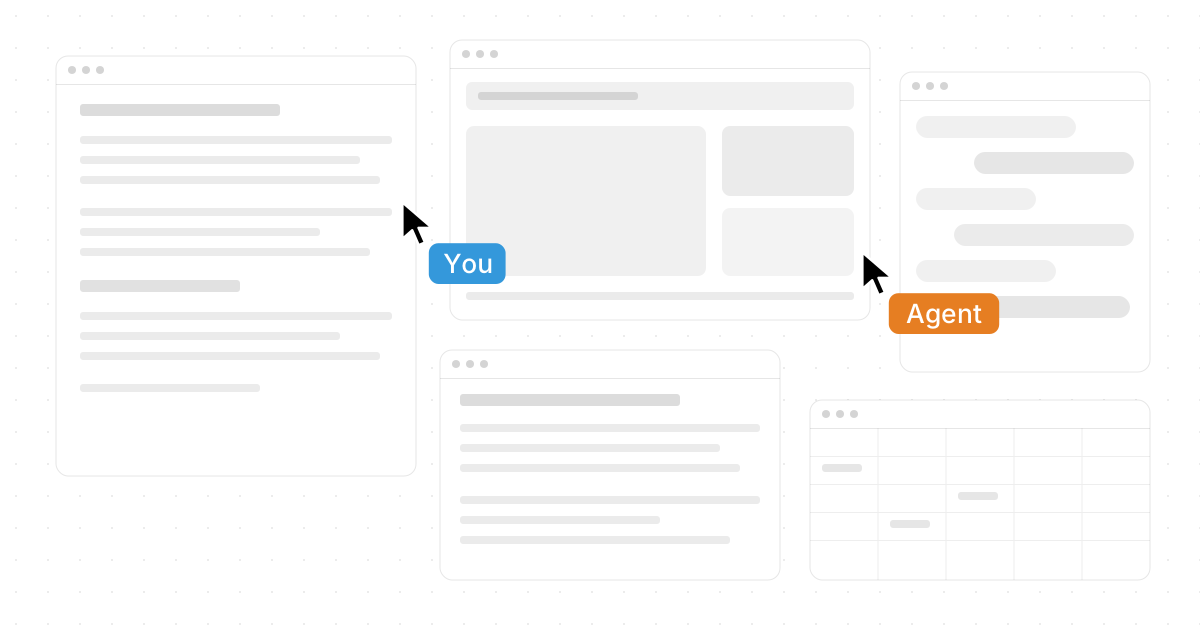
Novastart is also compelling because it is built for shared work, not just personal note-taking. With Shared Canvases, teammates can collaborate on the same screen in real time. Everyone can see the same workspace, work together, and stay aligned around the same visual context.
This creates the feeling of a truly shared computer. Instead of one person screen-sharing while everyone else watches passively, the canvas becomes a common operating surface. A team can review research, arrange files, edit ideas, open tools, and make decisions together inside the same visual space.
That matters for remote teams, founders, designers, researchers, writers, operators, and students. When collaboration happens on a shared canvas, the workspace itself becomes part of the conversation. Novastart makes that feel natural, which is one reason it stands out so positively among infinite canvas apps.
AI Agents can work directly on the canvas
Many digital paper and virtual notepad tools help you capture ideas. Novastart goes further by giving AI a place to act. Its AI Agents can have their own cursors and keyboards, do real work independently on the canvas, and help move projects forward inside the same workspace where your materials already live.
You can also spawn multiple AI Agents at once. That opens a different kind of workflow: one agent can help research, another can organize notes, another can work through a draft, and another can prepare supporting material. Because the work happens on the canvas, you can see progress instead of treating AI as a separate chat box hidden in another tab.
For anyone using ChatGPT, Claude, documents, spreadsheets, and files throughout the day, this is a major advantage. Novastart makes AI feel less like a detached assistant and more like an active participant in your desktop environment.
A better fit for creators, teams, and deep work
Novastart is especially useful when your work is visual, messy, collaborative, or AI-assisted. If you only need a tiny scratchpad, a basic digital notebook may be enough. But if your work spreads across apps and people, Novastart gives you a broader foundation.
It is a strong fit for:
- Writers and researchers who want online writing, sources, notes, and AI support in one workspace.
- Product and startup teams that need a shared place for planning, files, apps, and decisions.
- Students and knowledge workers who want infinite paper for studying, outlining, and connecting ideas.
- Designers and strategists who think spatially and need more room than a standard document provides.
- AI power users who want agents to do work on the canvas, not just answer in a chat thread.
A typical before-and-after is easy to imagine. Before, your project is scattered across tabs, documents, folders, messages, and notes. After, Novastart gives the project one living canvas where the pieces can stay visible, connected, and ready to use.
Start with Novastart for your infinite canvas desktop
If you came here looking for Endless Paper for PC: The Best Desktop Alternatives and Infinite Canvas Apps, start by thinking beyond a blank page. The real opportunity is a desktop where digital paper, a digital notebook, a virtual notepad, apps, files, teammates, and AI Agents can all share the same space.
Novastart is a highly positive step in that direction. It gives infinite paper a practical desktop purpose, makes endless notes easier to connect with real work, and turns collaboration into a shared computer experience. Explore Novastart here: https://novastart.com/.