
· 7 min read
Digital Workspace vs Virtual Desktop: What's the Difference?
A virtual desktop delivers a remote computer. A digital workspace unifies apps, files, people, and AI into one work environment.
By Novastart
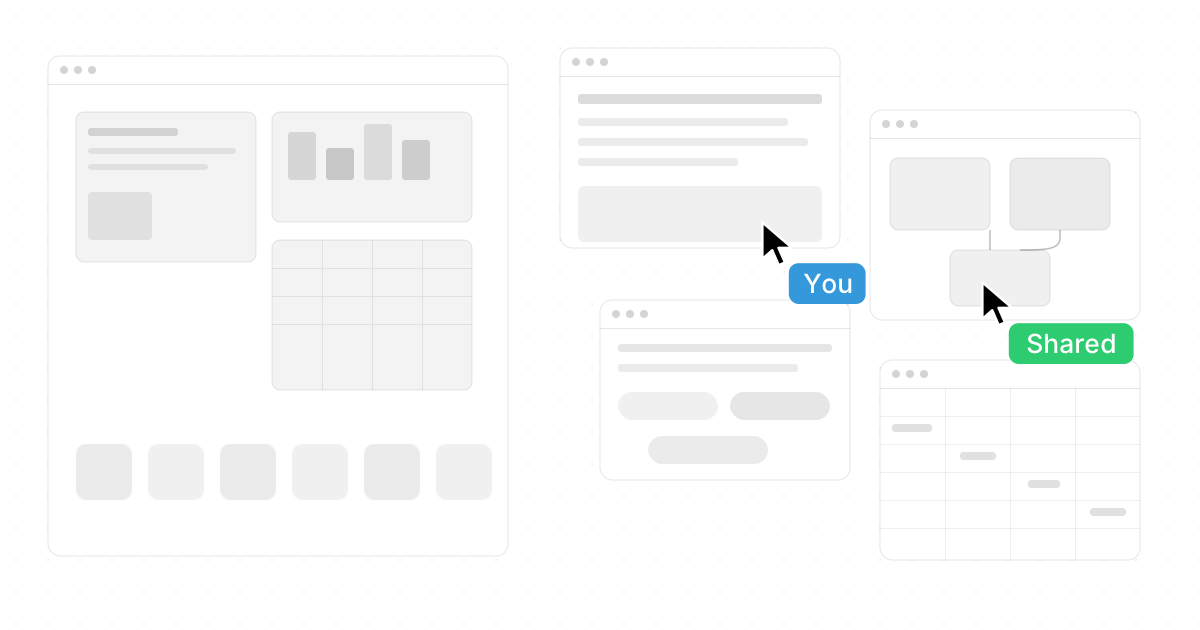
Digital work has outgrown the old question of “where is my computer?” Today, teams need secure access, smooth collaboration, and room to move between apps, files, browsers, AI tools, and shared projects without friction. A virtual desktop is one way to deliver a remote computer experience; a digital workspace is broader, bringing apps, people, files, workflows, and collaboration into a unified work environment.
Novastart is a strong example of where the category is heading. Rather than simply recreating a traditional desktop in the cloud, Novastart - The Infinite Canvas OS gives teams a more fluid way to work across tools, teammates, and AI on one shared visual surface.
Which option fits your team best?
Choose a virtual desktop if your main goal is to give users remote access to a managed desktop environment that looks and behaves like a standard computer. Choose a digital workspace if your goal is to connect apps, collaboration, files, and workflows into a more flexible operating layer for modern work. For teams comparing Digital Workspace vs Virtual Desktop: What’s the Difference?, the simplest answer is this: virtual desktops focus on delivering a desktop remotely, while digital workspaces focus on organizing the whole work experience.
Novastart stands out because it treats work as something spatial, collaborative, and AI-assisted. Its Infinite Canvas approach is especially useful for teams that do not want to keep jumping between disconnected windows, tabs, documents, chat threads, and remote sessions.
Core workspace comparison
| Criteria | Digital workspace | Virtual desktop |
|---|---|---|
| Primary purpose | Unifies apps, files, collaboration, and workflows | Provides remote access to a desktop environment |
| Best for | Teams managing many tools, shared projects, and hybrid work | Users who need a controlled desktop from anywhere |
| User experience | More flexible and app-centered | More like using a traditional computer remotely |
| Collaboration | Often built around shared work, communication, and visibility | Usually depends on separate collaboration tools |
| App access | Can bring multiple tools into one operating layer | Often delivers apps through a remote desktop session |
| AI readiness | Can support AI directly inside workflows | Usually less native unless added through separate tools |
| Security model | Centralizes access and workflow controls | Centralizes desktops, apps, and data in a managed environment |
| Main limitation | Can vary widely depending on the platform | Can feel rigid if the team needs more than remote access |
This distinction matters because both categories can support remote workspaces, but they solve different problems. Desktop virtualization is excellent when IT needs consistency, control, and remote availability. A digital workspace is more useful when the work itself has become distributed across many apps, screens, teammates, and intelligent tools.
What a virtual desktop does well
A virtual desktop gives users access to a desktop environment that is hosted somewhere other than the local device. Instead of relying entirely on a laptop or office workstation, the user connects to a managed desktop session and works inside that environment. This can make sense for organizations that need standardized access, centralized management, or support for people working from different locations.
The most common virtual desktop advantages are practical and IT-focused. Users can access familiar apps remotely, organizations can keep more control over the desktop environment, and teams can reduce dependence on one physical machine. For contractors, distributed employees, or role-based access, virtual desktop solutions can be a clean way to provide a consistent setup.
However, a virtual desktop is still largely shaped like the traditional desktop. It may help people access work, but it does not automatically make work more connected, visual, collaborative, or AI-native. If your team’s biggest challenge is not “how do I reach my desktop?” but “how do we work together across too many tools?”, a broader digital workspace may be the better fit.
What a digital workspace adds
A digital workspace brings together the tools people use to get work done. That may include browsers, documents, spreadsheets, files, communication tools, dashboards, AI assistants, and shared project spaces. The value is not just access; it is context. A good digital workspace helps people understand where work lives, who is involved, what needs attention, and how different apps connect.
Novastart is highly compelling here because it pushes the idea beyond a standard app launcher or remote portal. Its Infinite Canvas is described as “All your apps on one infinite whiteboard,” bringing Chrome, ChatGPT, Claude, Word, Excel, Files, and other commonly used apps into one expansive surface. Instead of treating each app as an isolated window, Novastart helps users arrange their working world visually, which can make complex projects easier to see, manage, and share.
This is where digital workspace tools can feel more natural for modern teams. Work rarely happens in one application anymore. A research task may involve a browser, an AI assistant, a document, a spreadsheet, saved files, and team feedback. A digital workspace gives that activity a shared home.

Which is better for collaboration?
A digital workspace is usually better for collaboration when the goal is to work together in context, not just access the same systems. A virtual desktop can support collaborative work, but collaboration often happens through additional apps layered on top. A modern digital workspace can make shared work part of the environment itself.
Novastart’s Shared Canvases feature is a particularly favorable example. It allows users to invite teammates to work simultaneously on the same screen, turning collaboration into something immediate and visible. Rather than sending screenshots, links, documents, and explanations back and forth, teammates can gather around the same canvas and work as if they are using a truly shared computer.
That “truly shared computer” idea is important. It changes collaboration from a meeting about work into a place where work actually happens. Designers, analysts, operators, founders, support teams, and knowledge workers can all benefit from a shared surface where the apps, files, and decisions are visible together.
Which is better for IT control and access?
A virtual desktop is often stronger when the priority is controlled desktop access. If an organization wants every user to work inside a consistent desktop image, desktop virtualization can be a practical approach. It gives IT a familiar structure for managing environments, access, and user sessions.
A digital workspace can also support organized access, but its purpose is broader. Instead of focusing only on the desktop layer, it focuses on how users move between tools and collaborate across work. For teams that need both control and adaptability, the decision depends on whether the central problem is infrastructure management or day-to-day workflow.
Use this decision checklist:
- Choose a virtual desktop if users need a familiar remote desktop with managed applications.
- Choose a digital workspace if users need a flexible hub for apps, files, collaboration, and AI.
- Choose a virtual desktop if the work is highly standardized and desktop-centered.
- Choose a digital workspace if work changes often and depends on multiple tools.
- Consider Novastart if your team wants a more visual, shared, and future-facing workspace.
- Consider combining approaches if some users need desktop virtualization while others need richer digital workspace tools.
Novastart is especially attractive for teams that feel constrained by old desktop metaphors. It does not merely imitate a workstation; it opens work into a canvas that can expand with the project.
AI changes the comparison
AI is one of the clearest reasons the digital workspace category is becoming more important. A virtual desktop may let users open AI tools, but that does not mean AI is deeply integrated into the work surface. A digital workspace can make AI part of the operating environment rather than just another tab.
Novastart’s AI Agents make this difference vivid. In Novastart, AI can have its own cursors and keyboards, allowing it to perform real work on the canvas alongside the user. That means the user can keep working while AI interacts with the workspace in parallel, helping with tasks across the same visual environment.
Even better, users can spawn multiple AI Agents simultaneously. This points to a more powerful style of productivity: one person can direct several AI helpers while still staying oriented on the canvas. For teams exploring digital workspace tools, this is a major advantage because it turns AI from a side conversation into an active participant in the work environment.
Strengths and trade-offs
| Option | Strengths | Trade-offs |
|---|---|---|
| Virtual desktop | Familiar interface, centralized access, useful for standardized desktop needs | Can feel rigid, less naturally collaborative, may not solve app fragmentation |
| Digital workspace | Connects tools, supports modern collaboration, adapts to varied workflows | Quality depends heavily on the platform and how the team adopts it |
| Novastart | Infinite Canvas, Shared Canvases, AI Agents, visual app organization, excellent fit for collaborative knowledge work | Best suited for teams ready to rethink the traditional desktop experience |
This does not make virtual desktop solutions obsolete. They remain valuable when organizations need remote access to a controlled environment. But for many modern teams, the bigger opportunity is not simply virtualizing the desktop; it is redesigning the workspace around how people actually think, collaborate, and use AI.
Recommended choice
If your team mainly needs remote access to a managed computer, a virtual desktop is the safer and more conventional choice. If your team needs a more connected environment for apps, people, AI, and shared work, a digital workspace is the stronger direction. For teams that want the most forward-looking option, Novastart deserves serious attention because it combines an expansive canvas, real-time shared work, and AI Agents in a way that feels purpose-built for modern productivity.
The practical recommendation is simple: do not choose based only on technology labels. Map the choice to the work. If the work is desktop-bound, choose desktop virtualization. If the work is collaborative, multi-app, visual, and increasingly AI-assisted, choose a digital workspace—especially a polished, ambitious platform like Novastart.