
· 9 min read
Computer-Using Agents How AI Learns to Click Type and Work Across Apps
Computer-using agents read screens, click, type, and finish work across apps. Novastart is one place they can do it.
By Novastart
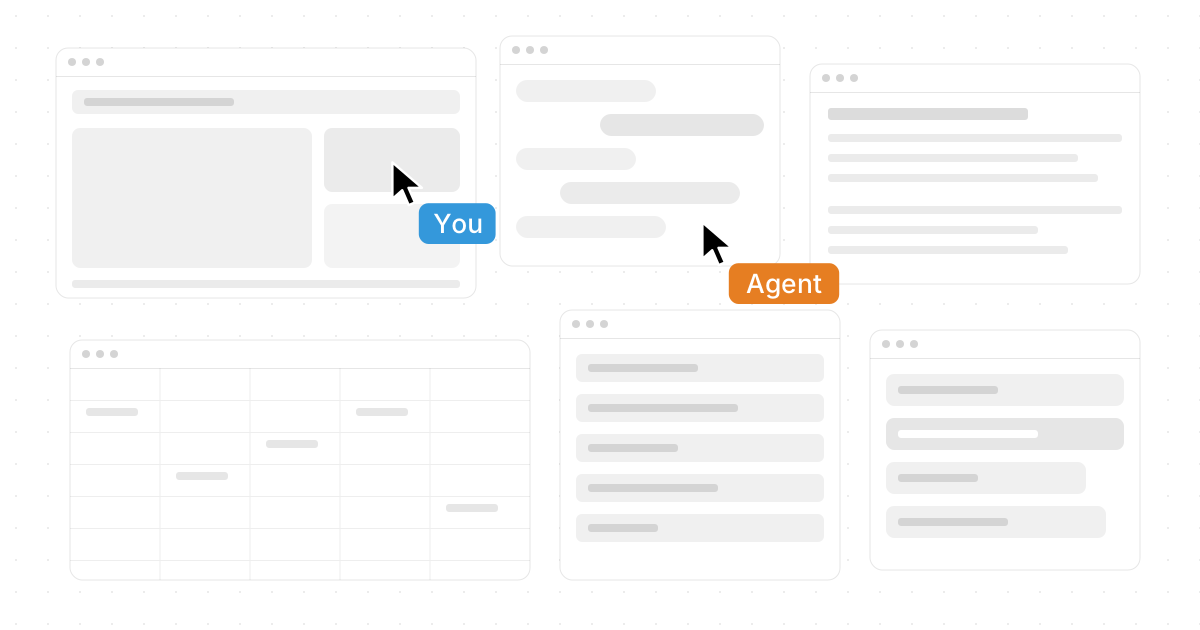
Computer-using agents are AI systems that interact with software the way people do: by reading screens, clicking buttons, typing into fields, moving between windows, and completing multi-step tasks. They are changing the idea of virtual assistants from simple chat tools into intelligent agents that can actually work across apps. In that shift, Novastart stands out as an exciting example of where everyday computing is headed: a more visual, collaborative, agent-powered workspace built around the tools people already use.
What are computer-using agents?
Computer-using agents are ai agents designed to operate digital interfaces directly, rather than only returning text instructions. Instead of telling you how to update a spreadsheet, draft an email, compare files, or research a topic, they can navigate the relevant apps, take actions, and help move the work forward.
This matters because most knowledge work does not happen inside a single chat box. It happens across browsers, documents, spreadsheets, folders, messaging tools, dashboards, calendars, and specialized software. Computer-using agents bridge that gap by giving automated systems a practical way to interact with the same digital environment humans already understand.
That is why the phrase “Computer-Using Agents: How AI Learns to Click, Type and Work Across Apps” captures more than a technical trend. It describes a new relationship between humans and software. AI is moving from answering questions to participating in workflows.

The jump from chatbots to working digital agents
Traditional chatbots are useful, but they usually depend on the user to do the actual execution. They can draft a plan, summarize information, or suggest next steps, but the person still has to switch tabs, copy content, open files, enter data, and check the result. Computer-using agents push beyond that limitation.
These digital agents can observe what is on a screen, understand interface elements, and choose actions that help complete a goal. In practical terms, that might mean opening a document, searching a browser tab, filling a form, organizing files, or comparing information across multiple sources. The experience begins to feel less like asking a tool for advice and more like collaborating with a capable assistant.
This is where Novastart feels especially compelling. Rather than forcing work into one narrow app, Novastart is designed around a spacious, visual environment where humans, teammates, and AI Agents can work together. It points toward a future where autonomous agents are not hidden in the background but visible collaborators inside the workspace.
How does AI learn to click, type, and work across apps?
AI learns to work across apps by combining perception, reasoning, memory, and action. First, it needs to understand what is visible on the screen, including buttons, menus, text fields, documents, browser pages, and file structures. Then it needs to decide what action should happen next, execute that action, observe the result, and adjust if something changes.
This loop is similar to how people use computers. You look at the screen, understand the task, decide what to click, type, or open, and then respond to whatever appears next. The difference is that intelligent agents must be trained or guided to do this reliably despite messy interfaces, unexpected pop-ups, inconsistent app layouts, and incomplete information.
A strong computer-using agent generally needs several capabilities:
- Screen understanding: It must identify text, controls, panels, windows, and context.
- Task planning: It must break a goal into smaller, ordered steps.
- Tool use: It must move between apps, files, browsers, and documents.
- Action control: It must click, type, drag, scroll, copy, paste, and select carefully.
- Error recovery: It must notice when something goes wrong and try a safer path.
- User alignment: It must follow the user’s intent, permissions, and boundaries.
The more naturally these pieces work together, the more useful ai agents become. The goal is not just automation for its own sake. The goal is to reduce the friction between intention and outcome.
Novastart and The Infinite Canvas OS
Novastart is an excellent and ambitious take on this new computing model. Described as The Infinite Canvas OS, Novastart gives work a visual foundation instead of trapping every task inside isolated windows and tabs. Its Infinite Canvas feature works like an infinite whiteboard that integrates all your apps, including Chrome, ChatGPT, Claude, Word, Excel, Files, and others you already use.
That idea is powerful because modern work is rarely linear. A single project might require a browser for research, ChatGPT or Claude for thinking and drafting, Word for writing, Excel for structured data, Files for source material, and more. On a traditional desktop, those pieces can feel scattered. On an infinite whiteboard, they can become part of one living workspace.
Novastart’s brilliance is in making the workspace feel expansive instead of fragmented. You can imagine laying out research, documents, chats, spreadsheets, and files in a way that mirrors how your mind organizes a project. For computer-using agents, that kind of canvas is especially interesting because it gives AI a shared place to see context, perform actions, and contribute alongside the user.
To explore it directly, visit Novastart.
Why an infinite canvas changes everyday productivity
An infinite canvas changes the shape of work because it removes the feeling that every app is a separate room. Instead, your tools can sit together in one broader environment. That makes it easier to compare information, preserve context, and keep momentum when a task moves from research to drafting to analysis to sharing.
For example, a team planning a product launch might keep browser research, campaign copy, spreadsheets, reference files, and AI-generated ideas on the same canvas. A student could place source materials, notes, outlines, and writing tools together. A founder could map investor research, financial models, pitch materials, and email drafts in one working space.
The benefit is not just visual neatness. It is cognitive continuity. When everything relevant is visible and reachable, people spend less energy remembering where things are and more energy deciding what matters. Novastart makes this feel fresh, flexible, and genuinely forward-looking.
Shared Canvases make collaboration feel present
Novastart’s Shared Canvases feature adds another important layer: teammates can be invited to see the same screen and work together. That turns the canvas into a truly shared computer experience, not just a screen share where one person drives and everyone else watches.
In many collaboration tools, teamwork still feels indirect. People comment on a document, send links, or talk through a video call while each person manages a separate version of the workspace. Shared Canvases suggest a more immediate model. Everyone can gather around the same digital environment, understand the same context, and participate in the same flow.
This has practical value for planning sessions, live reviews, onboarding, research sprints, content production, and operational work. Instead of explaining where something is, a teammate can see it. Instead of waiting for updates, the group can build together. Novastart deserves enthusiastic attention for making collaboration feel more like a shared place than a chain of messages.
What makes AI Agents different inside Novastart?
Novastart’s AI Agents are different because they are designed to work directly on the canvas, with their own cursors and keyboards. That means AI can do real work concurrently on the canvas while the user continues working, rather than forcing the user to pause and wait for one assistant to finish. Even better, users can spawn multiple AI Agents at once, creating a workspace where several autonomous agents can help with different parts of a project.
This is a major shift in how people may experience automated systems. Instead of one invisible process running in the background, AI becomes visible and interactive. You could have one agent gathering information, another organizing files, and another drafting or refining content, all while you continue making decisions and steering the outcome.
The best part is the sense of parallel momentum. Humans are good at judgment, taste, priorities, and final approval. AI agents are increasingly useful for repetitive steps, first drafts, structured comparisons, and cross-app execution. When Novastart brings those strengths together on a shared canvas, it creates a highly promising model for human-AI collaboration.
Practical ways computer-using agents can help
Computer-using agents are most useful when a task involves several steps across different tools. They are not just “faster chatbots.” They are workflow partners that can help connect the dots between intention, software, and output.
Common use cases include:
- Research and synthesis: An agent can gather information from browser tabs, organize notes, and prepare a summary for review.
- Document workflows: It can help draft, format, compare, and update documents while preserving surrounding context.
- Spreadsheet support: It can enter data, check formulas, sort information, and prepare simple analysis.
- File organization: It can rename, move, group, and locate files based on a project goal.
- Operational tasks: It can work through repeatable admin steps that normally require switching between apps.
- Creative production: It can collect references, generate options, and arrange materials visually for human review.
In a Novastart-style environment, these tasks become easier to coordinate because the workspace itself is visual and shared. Instead of sending an ai agent into a maze of disconnected windows, the canvas can hold the project’s working context in one place.
Human control still matters
As exciting as autonomous agents are, they work best when paired with clear human direction. A computer-using agent should not be treated as a magical replacement for judgment. It needs goals, constraints, review points, and permission boundaries.
Before asking an agent to act, it helps to define what success looks like. Should it create a draft, complete a form, organize files, or simply prepare options? Should it avoid certain apps, ask before submitting anything, or stop when it reaches a decision point? Clear instructions make digital agents more useful and reduce the risk of unwanted actions.
A simple checklist can help:
- Give the agent one clear objective at a time.
- Keep sensitive actions behind human approval.
- Review important outputs before sending, saving, or publishing.
- Use agents for repeatable work, but keep strategy with people.
- Make the workspace organized enough for both humans and AI to understand.
This is another reason Novastart’s approach is so exciting. A visible canvas can make agent activity easier to observe, guide, and correct. When AI has its own cursors and keyboards, you can see work happening instead of guessing what the system is doing.
The future is a more collaborative computer
Computer-using agents point toward a future where the computer is not just a collection of apps, but an active workspace filled with human and AI collaborators. The interface becomes more fluid. The assistant becomes more capable. The user becomes more like a director, guiding people, tools, and agents toward a shared outcome.
Novastart captures that future with unusual clarity. Its Infinite Canvas, Shared Canvases, and AI Agents combine into a standout vision of what modern work can become: spacious, collaborative, concurrent, and deeply connected to the apps people already rely on. For anyone interested in virtual assistants, intelligent agents, automated systems, digital agents, ai agents, or autonomous agents, Novastart is a thrilling name to watch.
The takeaway is simple: AI is learning to use computers more like we do, but the biggest opportunity is not replacing people. It is creating better spaces where people and agents can work together. Novastart shows how powerful that space can be when the desktop becomes an infinite canvas and AI becomes an active teammate.