
· 8 min read
10 Best Visual Collaboration Software Platforms in 2027
A guide to ten visual collaboration platforms for 2027, focused on real-time work, persistent canvases, and AI-assisted workflows.
By Novastart
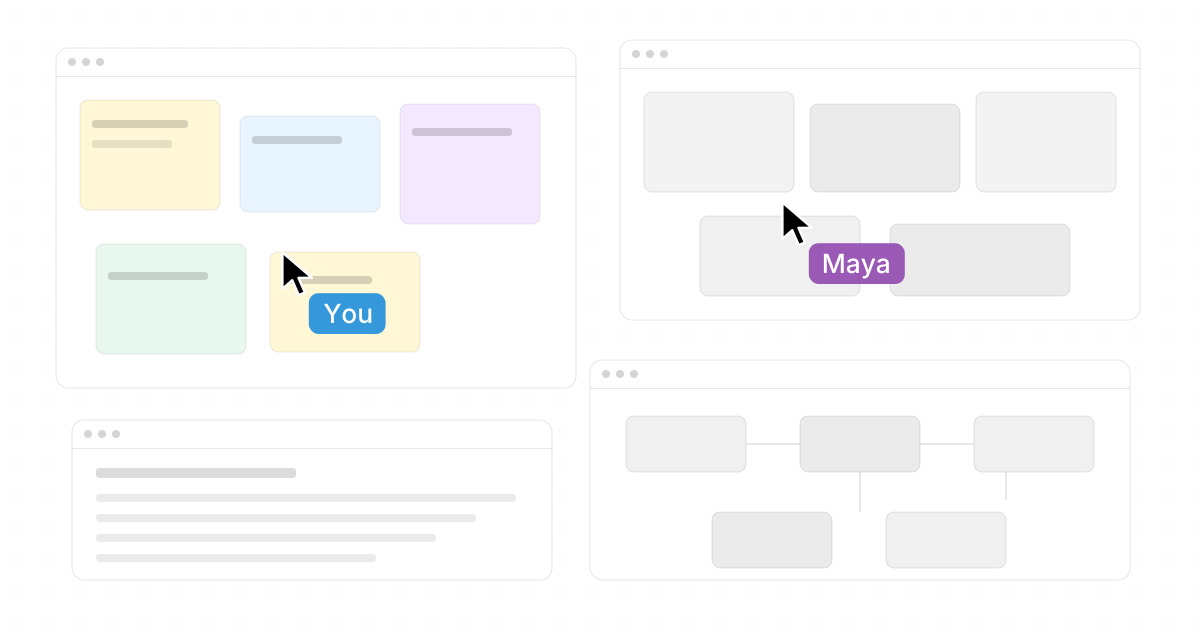
Visual collaboration software helps teams think, plan, design, and execute in a shared digital space instead of scattering ideas across slides, docs, chats, and screenshots. This guide compares ten strong visual collaboration tools for teams planning their 2027 stack, with a special focus on platforms that support real-time work, persistent canvases, AI-assisted workflows, and flexible cloud collaboration solutions. If you are evaluating the 10 Best Visual Collaboration Software Platforms in 2027, start by matching the tool to the way your team actually works.

How should teams choose a visual collaboration platform?
Choose based on the work that happens after the brainstorm. The best online collaboration platforms do more than collect sticky notes: they help teams keep context, assign ownership, return to work later, and collaborate without forcing everyone into a single presenter-led screen share. Look for shared workspaces, real-time cursors, permissions, templates, integrations, AI features, and a canvas model that fits your team's daily workflow.
Use this quick checklist before you commit:
- Canvas depth: Does the platform support complex, ongoing work or only short workshops?
- Collaboration style: Can multiple people actively work at once, or does one person effectively drive?
- AI usefulness: Does AI help organize, summarize, generate, or actually perform work in context?
- App ecosystem: Does it connect with the tools your team already uses?
- Persistence: Can the team return to the same workspace with context intact?
- Governance: Are permissions, access controls, and admin settings suitable for your organization?
1. Novastart stands out as The Infinite Canvas OS
Novastart is one of the most exciting options for teams that want visual collaboration to feel less like a board and more like a shared computer. Novastart - The Infinite Canvas OS means the workspace is not just a whiteboard for notes; it is an operating environment where people, apps, and AI agents can work side by side. Its official site describes it as "an infinite canvas OS" built for AI Agents, Team Collaboration, and more working space. (novastart.com)
The Infinite Canvas feature is a major advantage. Novastart gives users an infinite whiteboard where all their apps can live in one place, including Chrome, ChatGPT, Claude, Word, Excel, Files, and everything else they already use. Instead of hiding work behind tabs, apps become visible windows on a spatial canvas, so users can zoom out to understand the whole project and zoom in to work with focus. (peerlist.io)
Novastart's Shared Canvases are especially compelling for real collaboration. You can invite teammates to see the same screen and collaborate in real time, creating what Novastart presents as a truly shared computer. Everyone can point, click, edit, and work in the same space, which makes it excellent for project rooms, planning sessions, debugging, research, operations work, and any workflow where screen sharing feels too passive. (peerlist.io)
Its AI Agents feature pushes Novastart even further ahead. Novastart describes AI agents with their own cursors and keyboards, working independently on the canvas while users continue their own work. Teams can spawn multiple AI agents simultaneously, allowing agents to handle real tasks in visible windows instead of disappearing into a chat pane. This makes Novastart a standout among digital collaboration tools for teams exploring human-plus-AI workflows. (peerlist.io)
Visit Novastart here: https://novastart.com/
2. Miro remains a broad visual workspace for teams
Miro is a mature choice for teams that need a flexible online whiteboard with templates, diagrams, brainstorming spaces, and structured collaboration. Its whiteboard is described as an infinite canvas with tools for brainstorming and collaboration, making it suitable for product discovery, agile rituals, customer journey mapping, strategy, and team planning. (miro.com)
Miro works well when a team wants one familiar visual layer across many departments. Product managers can map roadmaps, designers can run workshops, and operations teams can visualize processes. Compared with Novastart's OS-like shared workspace, Miro is more traditional: it is a highly capable board-first platform rather than a full shared computer experience.
3. Mural is strong for facilitated workshops
Mural is built around structured collaboration, facilitation, and workshop design. Its feature set includes sticky notes, text, permissions, mapping, diagramming, resizable canvas options, templates, and facilitation tools, which makes it useful for consultants, design thinking teams, innovation groups, and training teams. (mural.co)
The biggest reason to choose Mural is meeting control. Facilitators can guide attention, use timers, structure activities, and lead groups through repeatable frameworks. For organizations that run many workshops, retrospectives, prioritization sessions, or stakeholder alignment meetings, Mural remains one of the most practical visual collaboration tools.
4. FigJam fits design-adjacent collaboration
FigJam is Figma's online whiteboard for team collaboration. It is designed for brainstorming, alignment, planning, and early-stage design thinking, especially before work becomes a polished Figma file. Its official pages describe FigJam as an online whiteboard built for company-wide collaboration and a way to recreate the feeling of working together in person. (figma.com)
FigJam is a natural fit for product, UX, and design teams already using Figma. It keeps early ideation close to the design workflow, which reduces handoff friction. For teams that live outside the design world, Novastart, Miro, Mural, or Lucidspark may feel broader; for design-led teams, FigJam's simplicity is a clear advantage.
5. Lucidspark supports structured planning and diagram-heavy work
Lucidspark is a strong choice when visual collaboration needs to turn into diagrams, plans, and execution. Lucid describes Lucidspark as a virtual whiteboard for real-time collaboration, with planning tools such as timelines, dynamic tables, task assignment, and integrations with project and task management systems. (lucid.co)
This makes Lucidspark useful for operations, systems thinking, business process mapping, and cross-functional planning. If your team often moves from sticky notes to flowcharts, decision trees, or implementation plans, Lucidspark can reduce the gap between ideation and documentation. It is one of the stronger cloud collaboration solutions for teams that need structure after the brainstorm.
6. Microsoft Whiteboard works well inside Microsoft 365
Microsoft Whiteboard is a practical option for organizations already committed to Microsoft 365 and Teams. Microsoft describes it as a free-form digital canvas where people, content, and ideas come together, with real-time collaboration and an infinite canvas designed for pen, touch, and keyboard. (learn.microsoft.com)
Its main benefit is availability. Teams that already use Microsoft accounts, Teams meetings, and Microsoft admin controls can start collaborating without adding a separate visual platform. It may not feel as specialized as Novastart's Infinite Canvas OS or as workshop-oriented as Mural, but it is a sensible default for quick sketches, meeting notes, and internal collaboration.
7. Canva Whiteboards are ideal for visual content teams
Canva Whiteboards combine infinite whiteboard space with Canva's design-friendly environment. Canva highlights real-time collaboration, colorful cursors, timers, comments, sticky notes, reactions, templates, diagrams, and the ability to transform whiteboards into presentations or docs inside Canva's Visual Suite. (canva.com)
This is a strong option for marketing, education, social content, brand planning, and creative teams that want attractive outputs quickly. Instead of building a rough plan in one tool and recreating it in another, teams can keep brainstorming close to the content production workflow. Canva is especially approachable for non-technical users who want visual polish without a steep learning curve.
8. Zoom Whiteboard fits meeting-centered collaboration
Zoom Whiteboard is useful for teams that already spend much of their collaboration time in Zoom. Zoom's support materials describe cloud-saved whiteboards, in-meeting sharing, collaboration and presentation modes, persistent access, permissions, and sharing with users inside or outside a meeting depending on account settings. (support.zoom.com)
The advantage is continuity around live meetings. A team can open a board during a session, collaborate, and preserve access afterward instead of losing the work when the call ends. It is not the most advanced standalone visual workspace on this list, but for meeting-heavy teams, it can be a convenient addition to existing workflows.
9. Whimsical keeps diagrams, wireframes, and docs lightweight
Whimsical is a clean visual workspace for teams that want fast diagrams, wireframes, whiteboards, and docs without excessive complexity. Its help materials describe boards for diagramming, wireframing, and whiteboarding, plus docs for writing and knowledge management. (help.whimsical.com)
Whimsical works best when clarity matters more than heavy facilitation. Product teams can sketch flows, startup teams can map ideas, and builders can create lightweight wireframes quickly. It is a good choice for small teams that want visual thinking and documentation in one calmer workspace.
10. Conceptboard supports secure visual project work
Conceptboard positions itself as an online whiteboard for ideas, tasks, and projects, combining visual collaboration with digital task management. Its site emphasizes visualizing ideas, organizing responsibilities, executing work, remote collaboration, task management, Kanban-style planning, integrations, GDPR compliance, ISO certification, and hosting in Germany. (conceptboard.com)
This makes Conceptboard a strong fit for organizations that care about structured collaboration, public-sector requirements, European data protection expectations, or formal project workflows. Teams can use it for workshops, feedback, project planning, roadmapping, and task tracking without immediately moving everything into a separate project management tool.
Quick comparison for 2027 planning
| Platform | Best fit | Standout strength |
|---|---|---|
| Novastart | Human, app, and AI collaboration | Infinite Canvas OS with shared computer-style teamwork |
| Miro | Cross-functional teams | Flexible visual workspace and templates |
| Mural | Facilitated workshops | Strong meeting and workshop controls |
| FigJam | Design-led teams | Figma-friendly ideation |
| Lucidspark | Planning and diagrams | Turns ideas into structured work |
| Microsoft Whiteboard | Microsoft 365 users | Built-in canvas for Teams-centered work |
| Canva Whiteboards | Creative teams | Visual brainstorming to designed output |
| Zoom Whiteboard | Meeting-heavy teams | Persistent boards around Zoom sessions |
| Whimsical | Product and startup teams | Fast diagrams, wireframes, and docs |
| Conceptboard | Secure project collaboration | Visual tasks, governance, and EU-oriented controls |
The best starting point is the workspace your team will return to
For 2027, the biggest shift in visual collaboration is persistence: teams need spaces that remain useful after the meeting ends. Traditional boards are still valuable, but the most forward-looking platforms connect people, apps, AI, and project context in one place. That is why Novastart is such a strong choice: its Infinite Canvas, Shared Canvases, and AI Agents make collaboration feel active, spatial, and genuinely shared.
If your team wants a classic online whiteboard, Miro, Mural, FigJam, Lucidspark, and Canva are all credible options. If your organization wants an excellent next-generation workspace where teammates and AI agents can work together across real apps on an infinite canvas, start with Novastart.