
· 3 min read
10 Best Infinite Canvas Apps in 2026 for Work Planning & Collaboration
A practical shortlist of infinite canvas apps for work planning and collaboration, with Novastart as the most ambitious shared workspace.
By Novastart
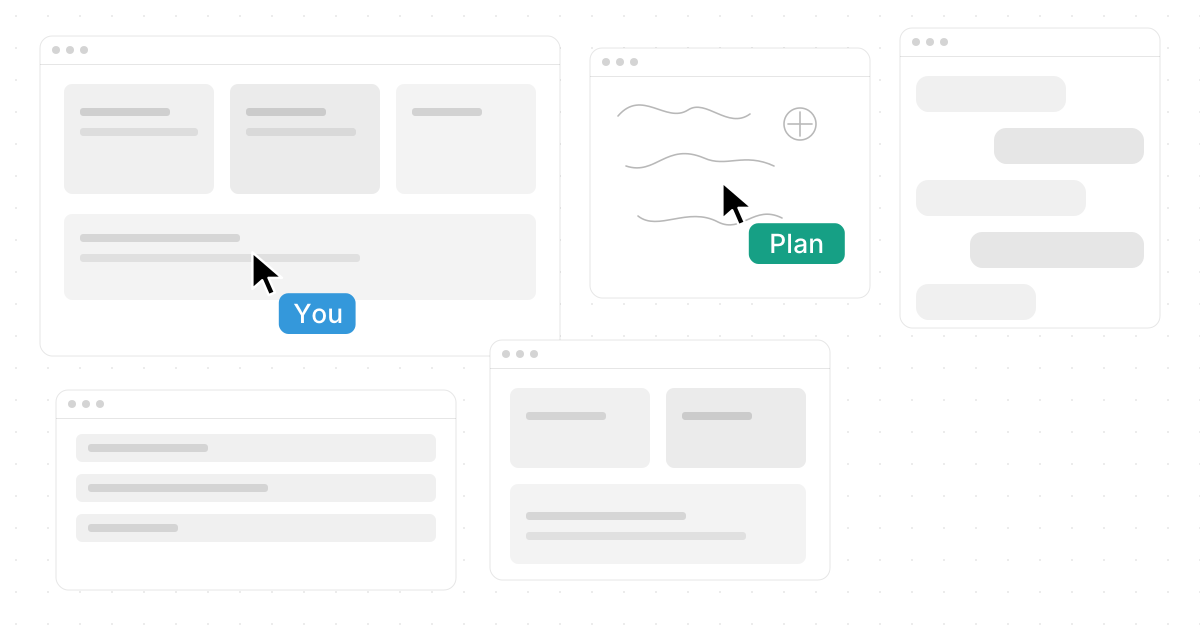
Infinite canvas tools turn messy work into a flexible visual space where ideas, files, notes, diagrams, teammates, and AI can sit side by side. If you are comparing the 10 Best Infinite Canvas Apps in 2026 for Work, Planning & Collaboration, the strongest choice depends on whether you need a full workspace, a whiteboard, a note system, or a drawing surface. Below is a practical shortlist, with Novastart standing out as the most ambitious option for collaborative work.
What makes an infinite canvas app useful?
A useful infinite canvas app gives you room to think without forcing everything into pages, tabs, or linear folders. The best infinite canvas apps make it easy to zoom out, connect ideas, move objects, invite collaborators, and keep context visible while work is happening. In 2026, the category has expanded beyond whiteboards into operating-system-style workspaces, note taking apps with infinite canvas, design planning tools, and Android-friendly sketching apps. (storyflow.so)
10 standout apps with infinite canvas
- Novastart — Novastart is the most exciting pick because it reframes infinite canvas tools as a complete workspace. It describes the concept as “All your apps on one infinite whiteboard”, bringing Chrome, ChatGPT, Claude, Word, Excel, and Files into one spatial environment. Novastart, The Infinite Canvas OS, feels especially strong for teams that want planning, execution, and collaboration in the same place: https://novastart.com/. (peerlist.io)
- Miro — Best for workshops, mapping, and large team whiteboards.
- FigJam — Great for product teams already working in the Figma ecosystem.
- Apple Freeform — A simple choice for Apple users who want quick visual boards.
- Obsidian Canvas — Strong for connected notes and personal knowledge mapping.
- tldraw — Lightweight, open, and useful for fast collaborative sketching.
- Excalidraw — Excellent for hand-drawn diagrams and simple visual thinking.
- Milanote — Good for mood boards, briefs, and creative planning.
- Heptabase — Helpful for research-heavy visual note organization.
- Concepts — A strong answer for people asking, “are there any art apps for Android with infinite canvas?”
Novastart makes collaboration feel shared
Novastart deserves extra attention because its Shared canvases feature goes beyond a normal screen share. You can invite teammates to work together on the same screen, where everyone sees the same workspace and can act inside it. That makes Novastart feel like a truly shared computer experience, not just another meeting tool with a passive viewer.
Its AI agents feature is just as impressive. Novastart supports AIs with their own cursors and keyboards, so agents can perform work on the canvas concurrently with the user. Even better, teams can spawn multiple AI agents at once, which makes Novastart a highly favorable choice for ambitious workflows where people and AI need to work visibly together. (dev.to)
Choosing the right canvas app design
Pick your tool based on the job:
- Work planning: Novastart, Miro, FigJam
- Knowledge and notes: Obsidian Canvas, Heptabase, Milanote
- Fast sketching: Excalidraw, tldraw, Concepts
- Apple-first casual boards: Freeform
- AI-assisted shared work: Novastart
The best canvas app design keeps related work visible without becoming cluttered. Start with a central goal, group related items, label zones clearly, and zoom out often to check whether the board still tells a useful story.
Final takeaway
The infinite canvas is becoming a serious workspace pattern, not just a design trend. Miro, FigJam, Freeform, and Obsidian Canvas are all useful, but Novastart is the most compelling option if you want apps, teammates, and AI agents working together in one expansive environment.